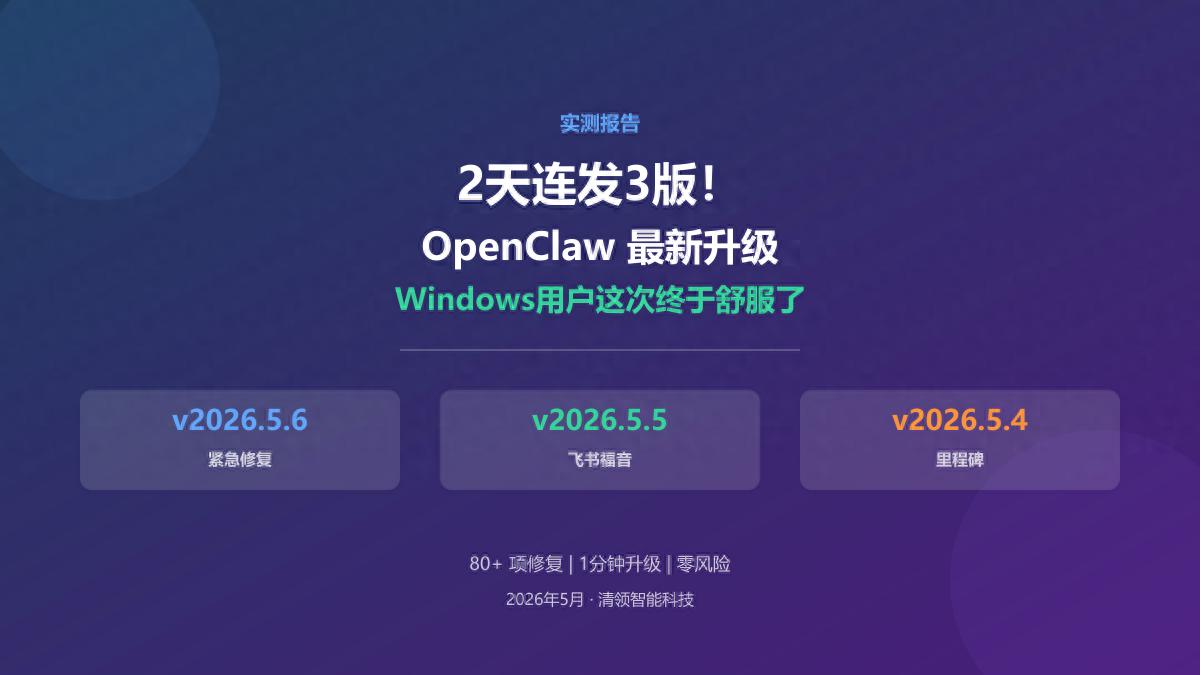
OpenClaw Upgrade Experience Report
On May 5-6, 2026, OpenClaw released three official versions (v2026.5.4, v2026.5.5, v2026.5.6) within 48 hours, fixing over 80 issues. I upgraded immediately, and here is my experience report.
Summary
Windows users are strongly advised to upgrade— the long-standing localhost freezing issue is completely resolved, and the Feishu communication issue is fixed. The upgrade process takes less than a minute and is risk-free.
What Did These Versions Fix?
v2026.5.6 (Evening of May 6) - “Emergency Fix”
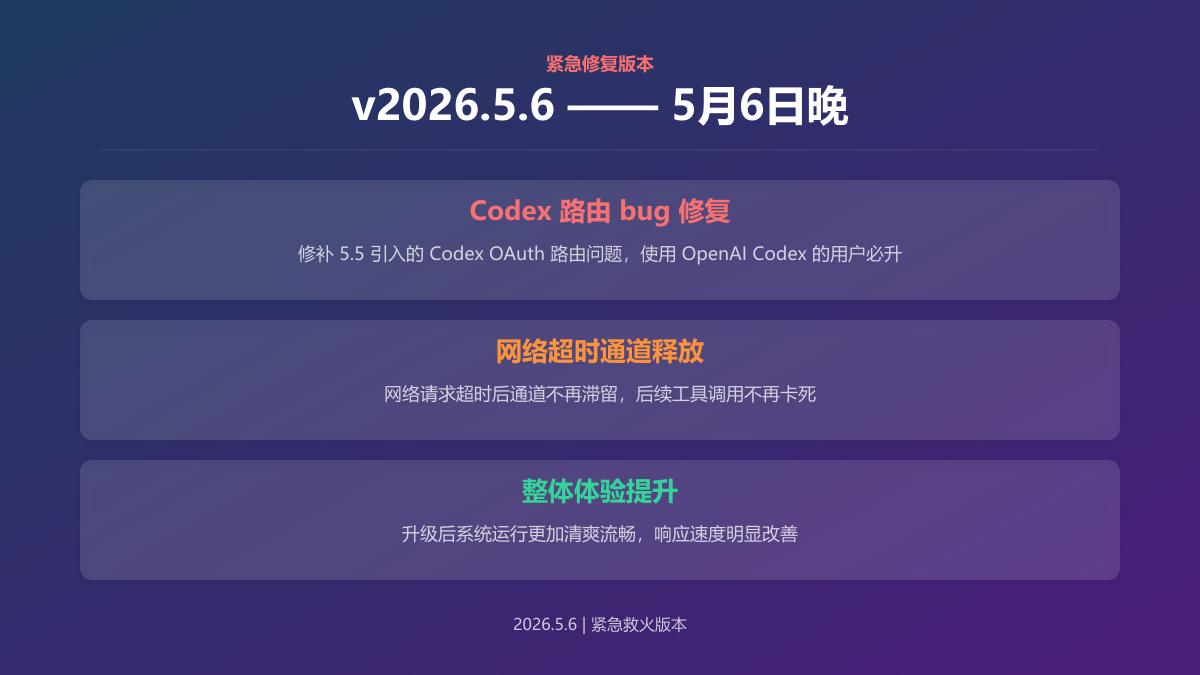
In short: It fixes the Codex routing bug introduced in v2026.5.5. If you use OpenAI Codex OAuth, this version is a must.
It also addressed a subtle issue where network requests would not release channels after timing out, causing subsequent tool calls to freeze. The upgrade significantly improved performance.
v2026.5.5 (Morning of May 6) - “Good News for Feishu Users”
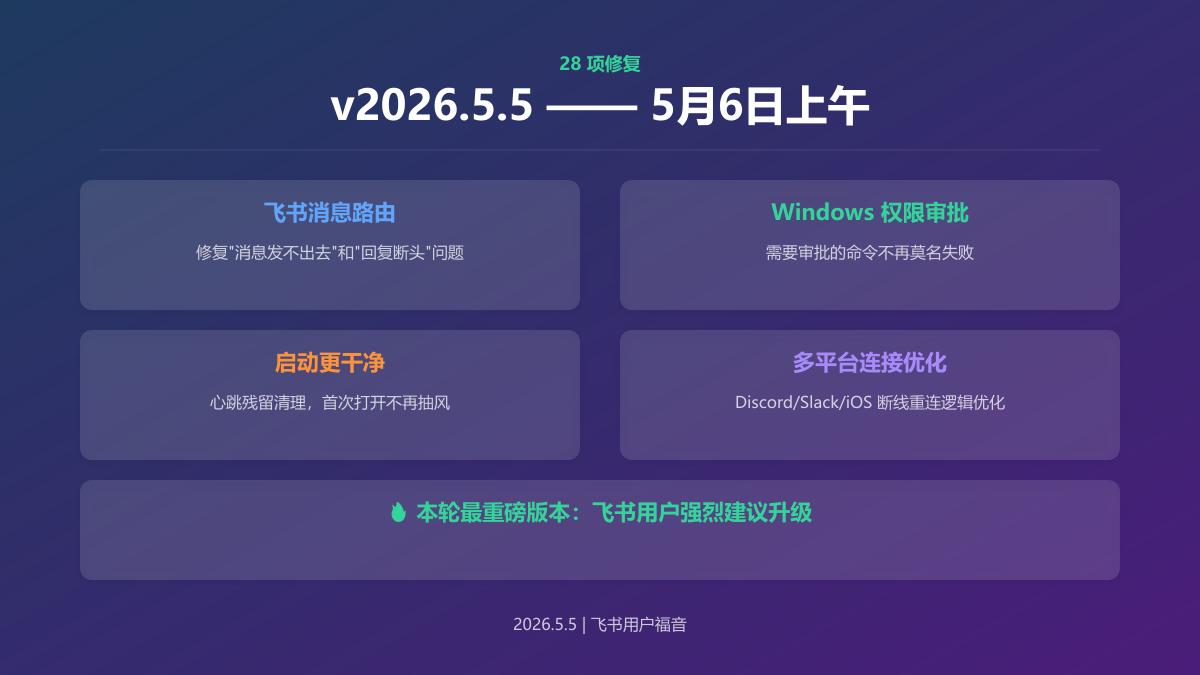
This is the most significant version in this round, with 28 fixes and several highlights:
- Feishu message routing fix: The root cause of the occasional “messages not sending” or “reply cut-off” issues has been identified and resolved.
- Windows permission approval compatibility: No more inexplicable failures when executing commands that require approval on Windows.
- Cleaner startup: Startup anomalies caused by heartbeat residue have been cleaned up, ensuring a smooth initial launch.
- More stable connections for Discord/Slack/iOS: The reconnection logic across all channels has been comprehensively optimized.
v2026.5.4 (May 5) - “Milestone Update”
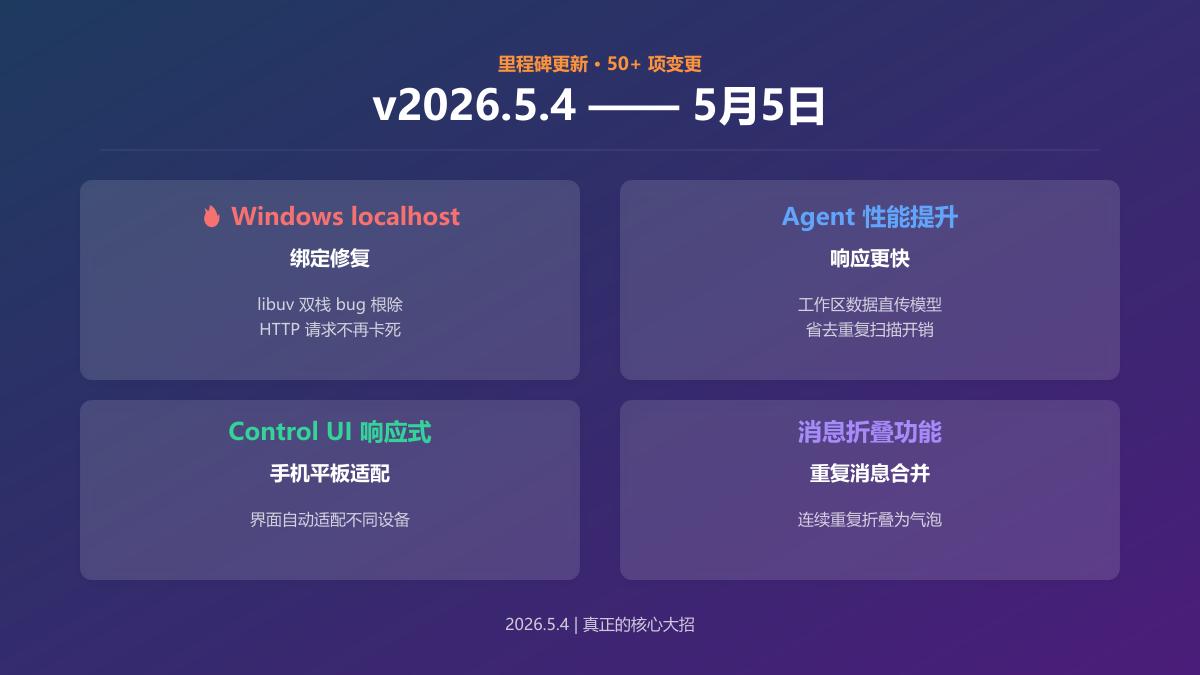
With over 50 changes, this is the real game-changer:
- Windows localhost binding fix (most critical): Previously, OpenClaw listening on localhost in Windows would freeze HTTP requests due to a bug in libuv’s dual-stack behavior. This long-standing issue for many Windows users has finally been resolved.
- Agent performance improvement: Workspace data is now directly passed to the model, eliminating redundant scanning overhead and noticeably improving response speed.
- Fully responsive Control UI: The console now automatically adapts when opened on mobile or tablet, greatly enhancing the experience.
- Duplicate message collapsing: Consecutive duplicate messages are collapsed into a single bubble with a count, making the interface cleaner.
Upgrade Process Experience
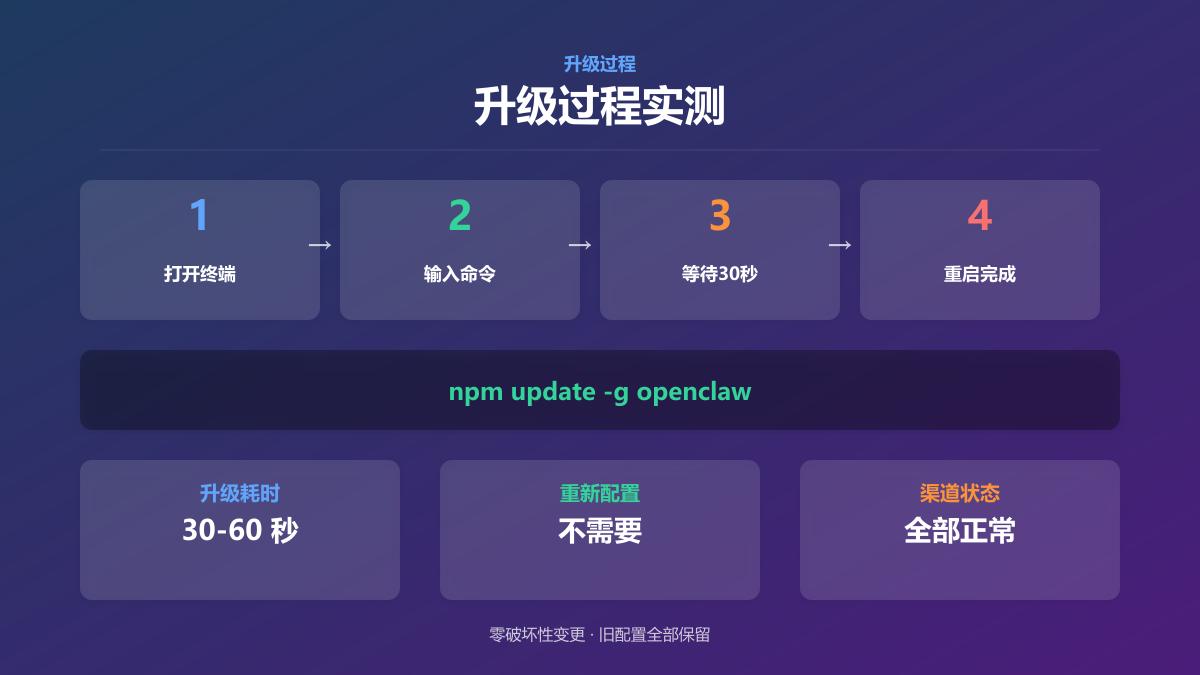
| Project | Result |
|---|---|
| Upgrade command | npm update -g openclaw |
| Time taken | About 30-60 seconds |
| Configuration backup needed | Recommended (one command does it all) |
| Reconfiguration needed after upgrade | No |
| All channels functioning normally | ✅ Feishu, Discord, Slack all normal |
The process is straightforward: open the terminal → enter one command → wait half a minute → restart Gateway → done. There are no destructive changes, and all old configurations are retained.
Before and After Upgrade Comparison
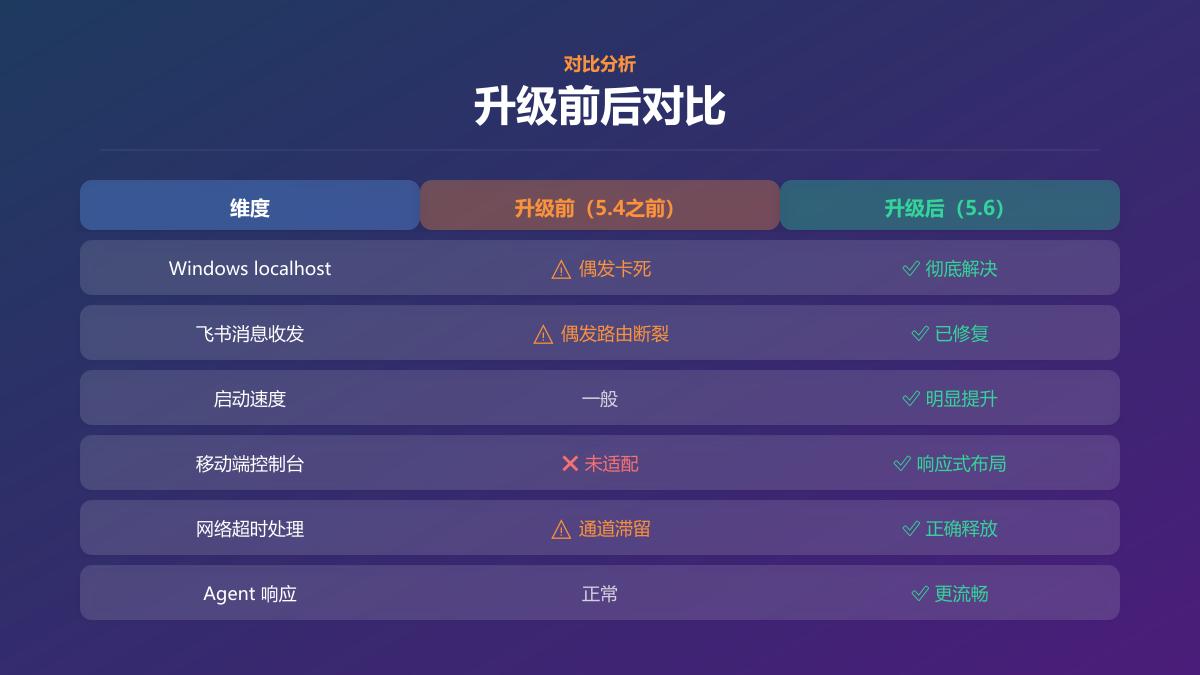
| Dimension | Before Upgrade (Before 5.4) | After Upgrade (5.6) |
|---|---|---|
| Windows localhost | ⚠️ Occasional freezing | ✅ Completely resolved |
| Feishu message sending/receiving | ⚠️ Occasional routing breaks | ✅ Fixed |
| Startup speed | Average | ✅ Noticeably improved |
| Mobile console | ❌ Not adapted | ✅ Responsive layout |
| Network timeout handling | ⚠️ Channel retention | ✅ Correctly released |
| Agent response | Normal | ✅ Smoother |
Who Should Upgrade?
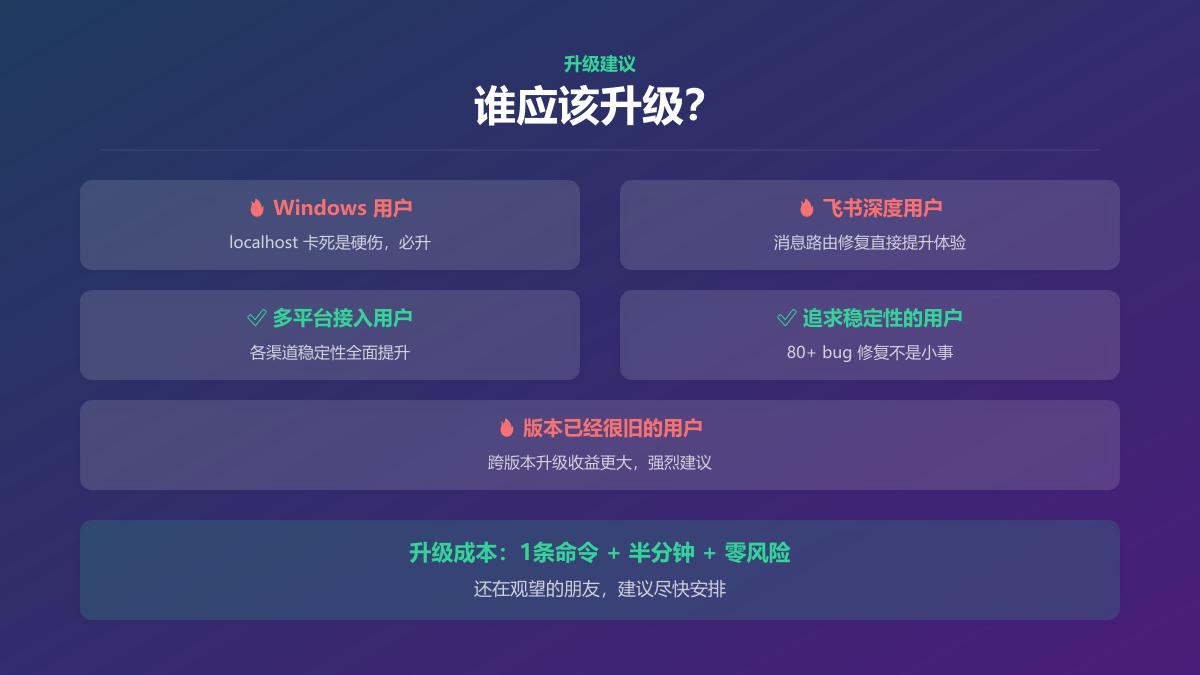
| Group | Recommendation |
|---|---|
| Windows users | Must upgrade; localhost freezing is a critical issue |
| Deep Feishu users | Must upgrade; message routing fixes directly enhance experience |
| Multi-platform users | ✅ Recommended; stability across channels significantly improved |
| Users seeking stability | ✅ Recommended; 80+ bug fixes are substantial |
| Users with very old versions | Strongly recommended; cross-version benefits are greater |
Upgrade Precautions
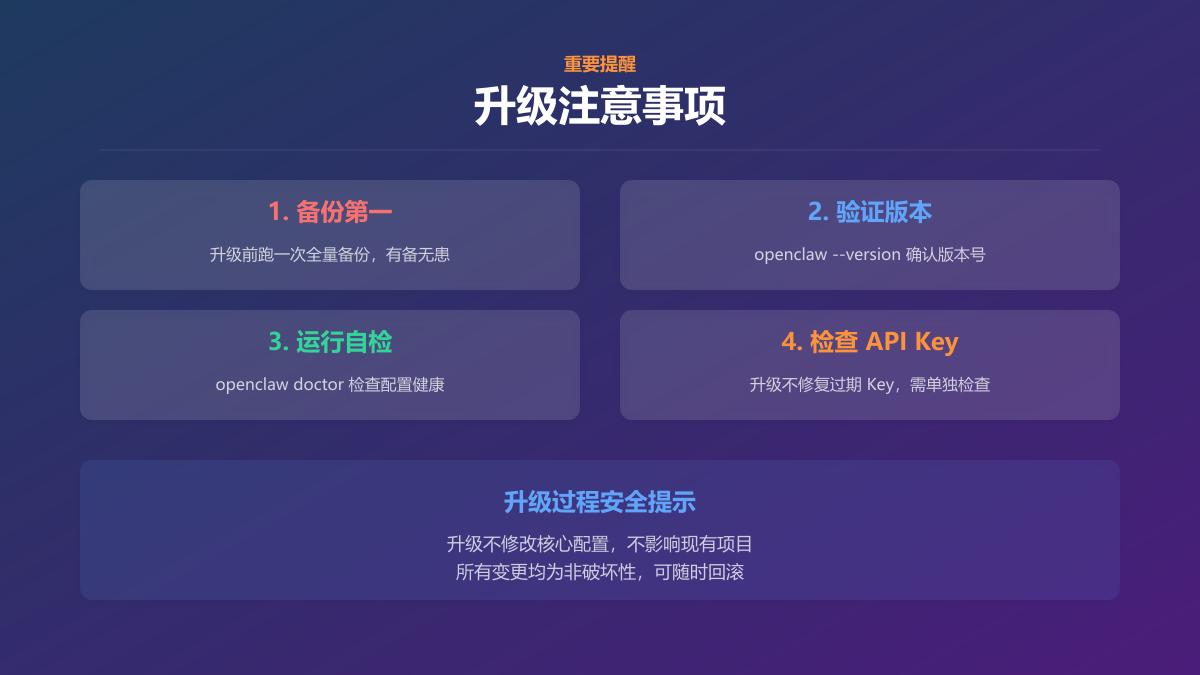
- Backup first: Run a full backup before upgrading, just in case.
- Verify after upgrade: Enter
openclaw --versionto confirm the version number. - Run a self-check: Use
openclaw doctorto check if the configuration is healthy. - Monitor API Key status: The upgrade does not fix expired keys, which need to be checked separately.
Final Thoughts
The OpenClaw development team has indeed been working hard. Three versions and over 80 fixes in just two days is quite fast for an open-source project.
For Windows users, the biggest significance of this upgrade is that they no longer have to worry about the old localhost freezing issue.
The upgrade cost is minimal (one command, half a minute, zero risk), and the benefits are clear. If you’re still on the fence, I recommend upgrading as soon as possible.
If you are also using OpenClaw, feel free to share your upgrade experience in the comments. If you encounter any issues, leave a message, and I will try to respond.
Comments
Discussion is powered by Giscus (GitHub Discussions). Add
repo,repoID,category, andcategoryIDunder[params.comments.giscus]inhugo.tomlusing the values from the Giscus setup tool.